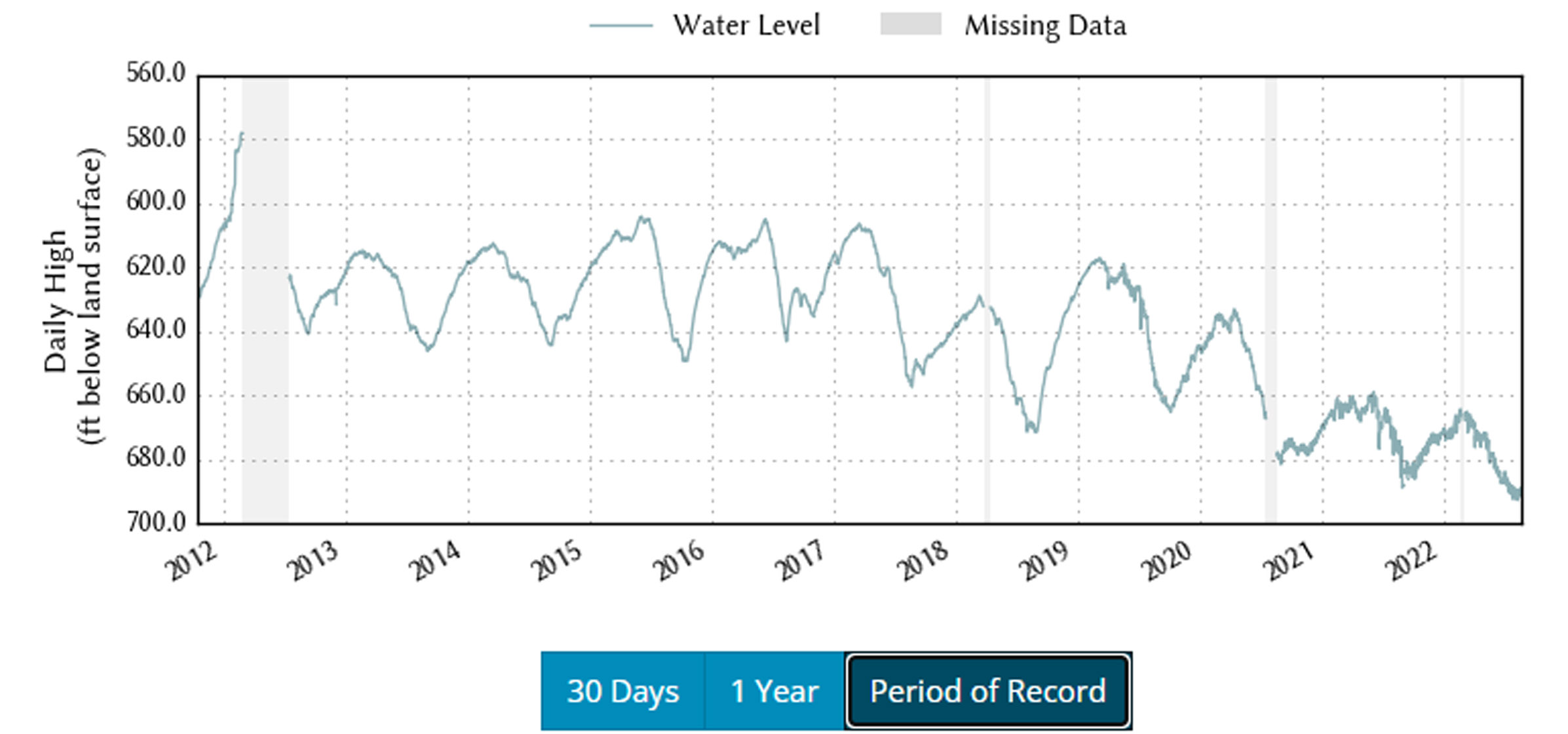
Water level readings in local monitor wells
Are you concerned about water levels in the aquifer? Here are some resources for you to monitor the water levels in local monitor wells. Click on the picture below to go to the State of Texas website.
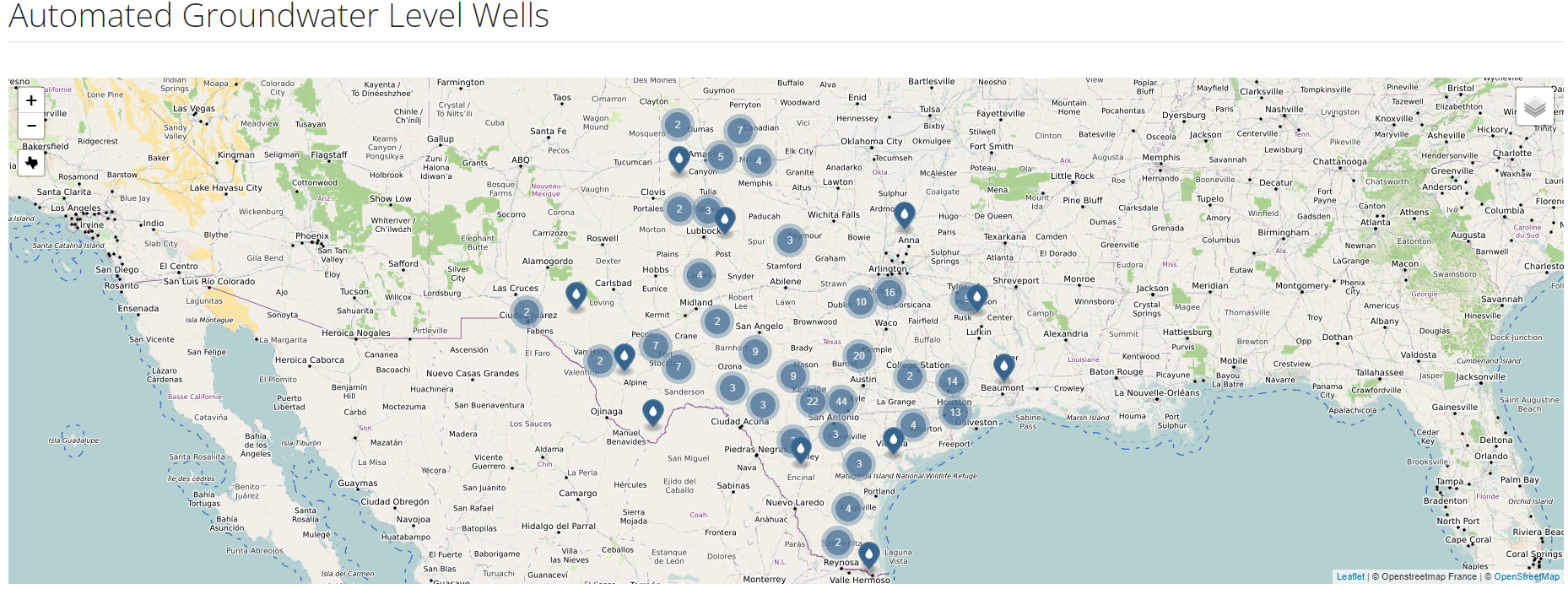
Tips for using the State website.
- Zoom in to find monitor wells in your area
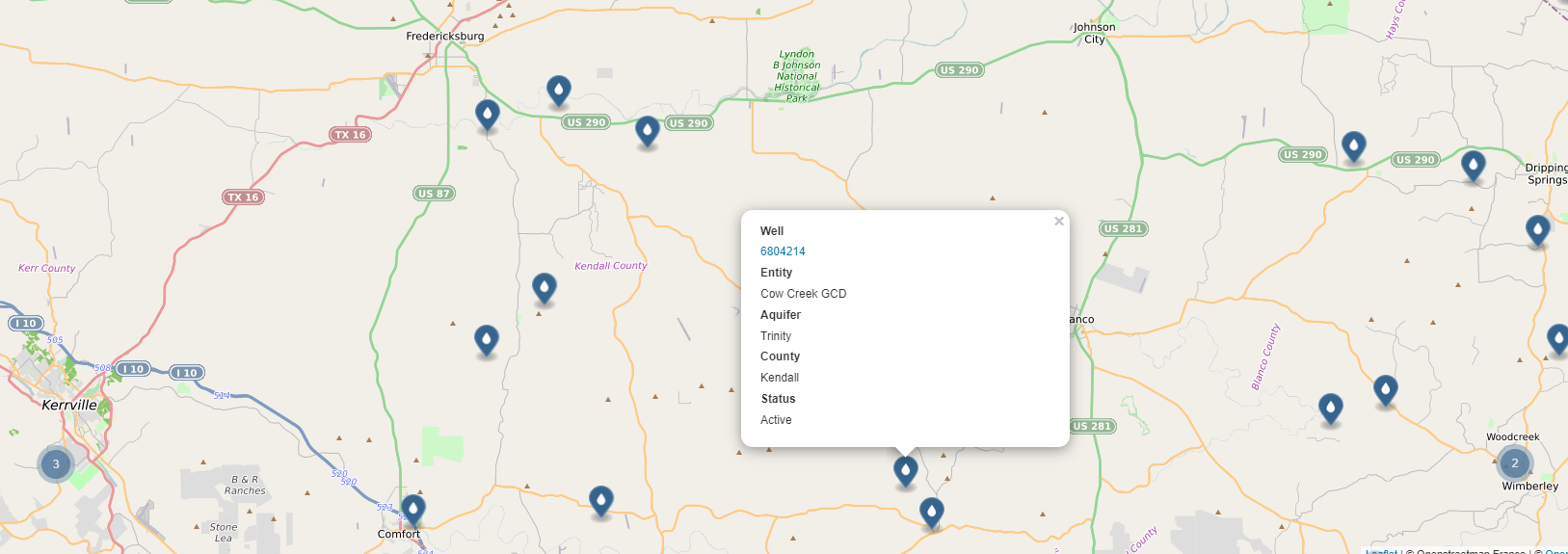
- Click on the large blue icons to bring up the well details.
- Click on the blue well number. That will bring up the water level data.
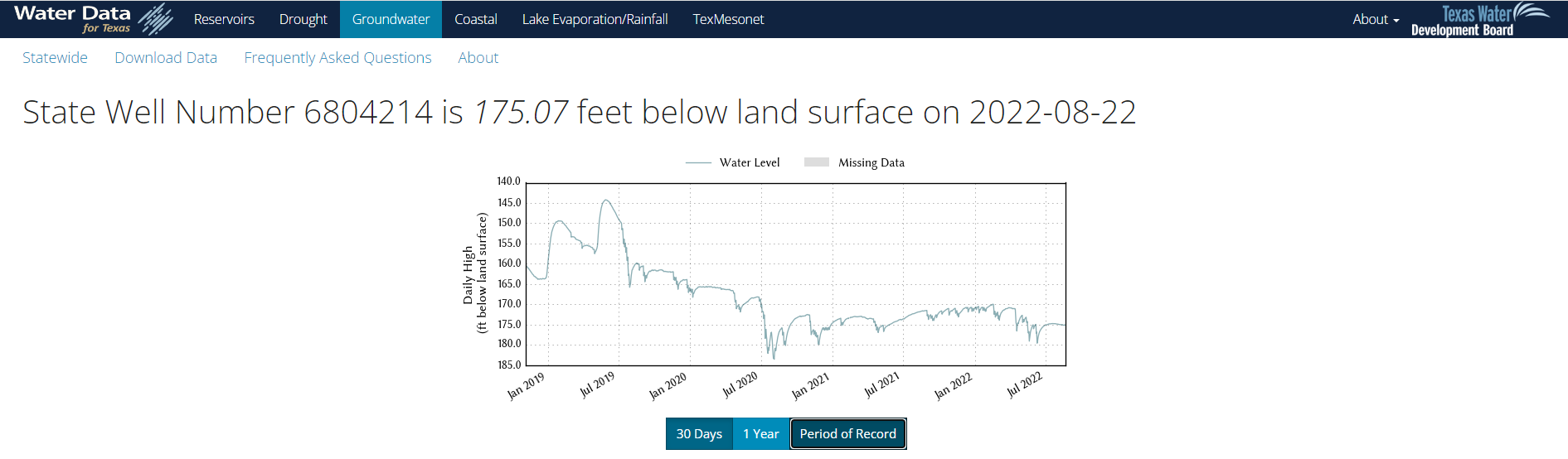
Once you get the water level data, you can view the last 30 days, the last year, or period of record.
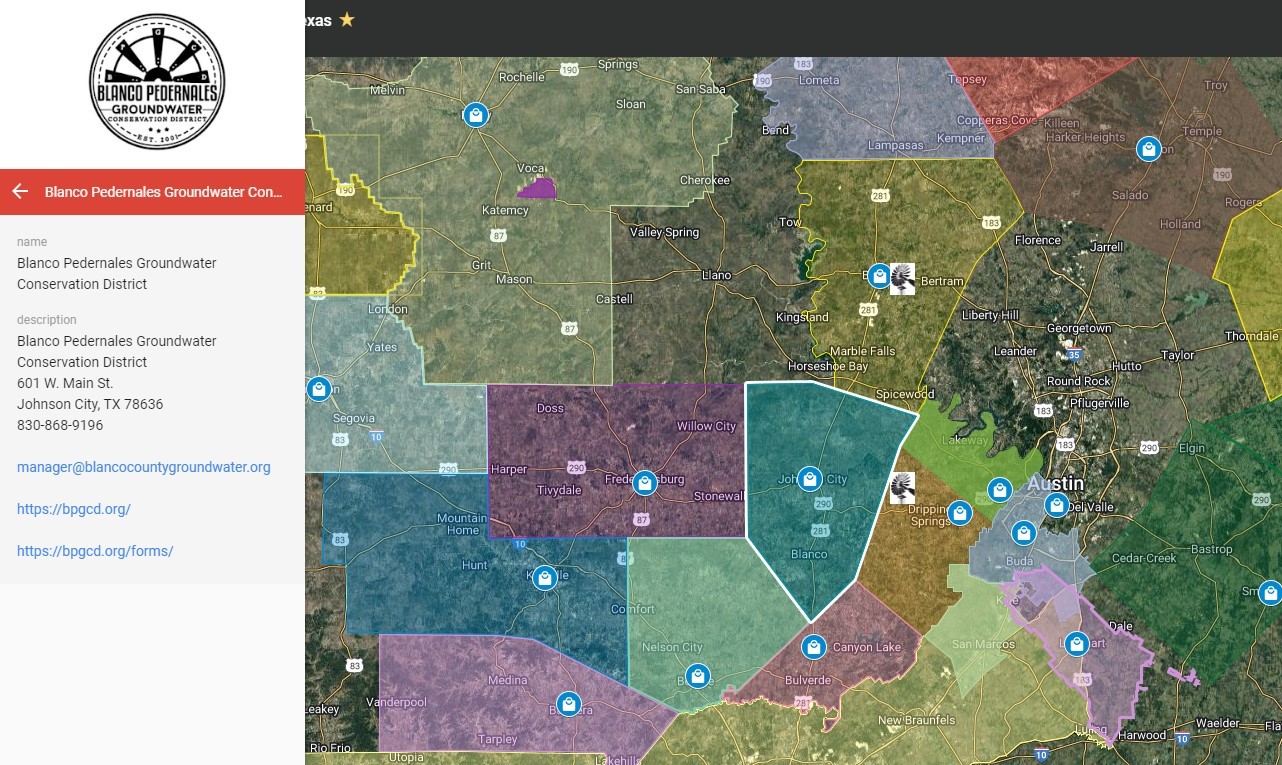
If you want to look even further, you can visit your local groundwater district’s website. Many of them have monitor wells that are not on the State of Texas site. Here is a map of the local groundwater districts.
Click on your district to find helpful links to their websites. Then start looking for monitor well information.
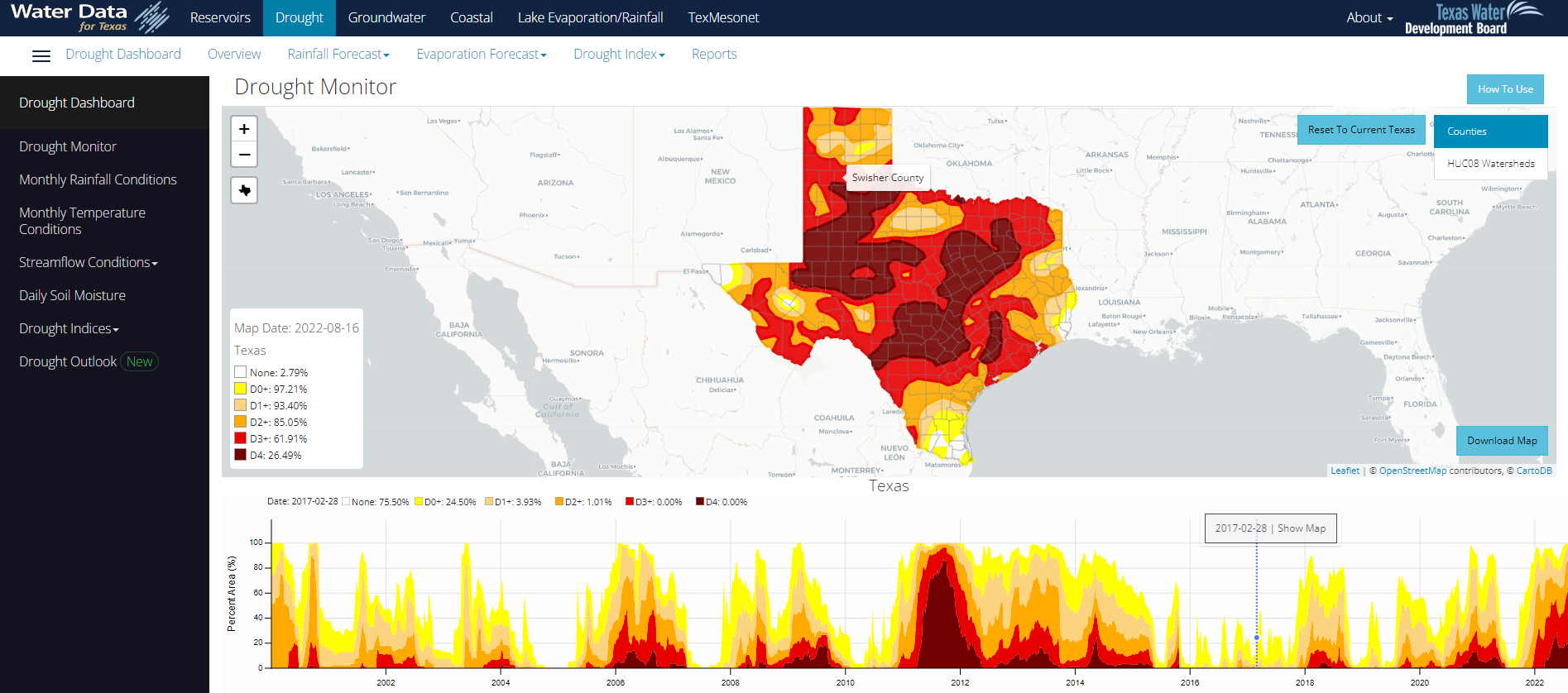
And if you are wondering if we are in a drought, here is the official word on that.
Click on the picture below to view the State of Texas Drought Monitor.